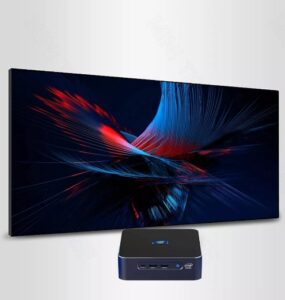
Choosing a mini PC is not just about size and power consumption; for many industrial and professional use cases, memory is also a key consideration. Suppose you are considering a 64G RAM Mini PC. In that case, we will explain which workloads truly require this capacity, how a 64GB mini PC affects system architecture and total cost of ownership, and what questions you should ask the mini PC manufacturer before making a purchase. We will also provide measurable benchmarks and real-world scenarios to help buyers and industrial engineers make an informed choice.
64G RAM Mini PC for Virtualized, Dense Multi-Tenant Edge Servers
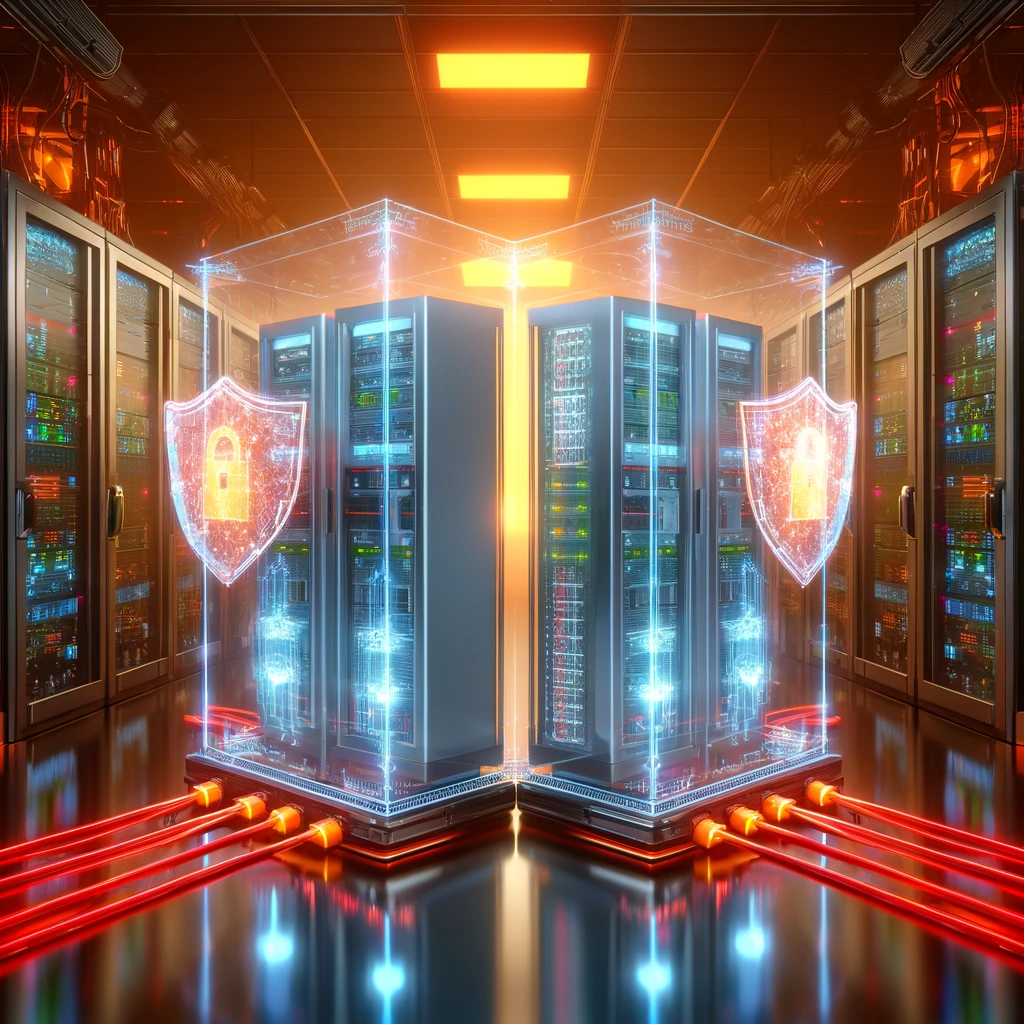
The most immediate and everyday use case for a 64G RAM Mini PC is for edge virtualization and containerized workloads. In many deployments, organizations replace multiple single-purpose appliances with a single, compact host that can run multiple virtual machines (VMs) or containers.
Why is memory so important? Because each operating system instance, database cache, and application server reserves memory, and VMs incur hypervisor overhead. A small edge host running a Linux hypervisor, a Windows VM for legacy control, a local database instance, and multiple Docker containers can easily consume 32GB of memory. However, 64GB of memory allows you to consolidate more services, reduces latency by keeping the working set in memory, and simplifies network design. Therefore, instead of using three small boxes at each site, many IT teams can purchase a single mini PC with 64GB of RAM, reducing rack space, power consumption, and maintenance costs.
64GB RAM Mini PC for Video Editing and Multi-Track Content Workflows
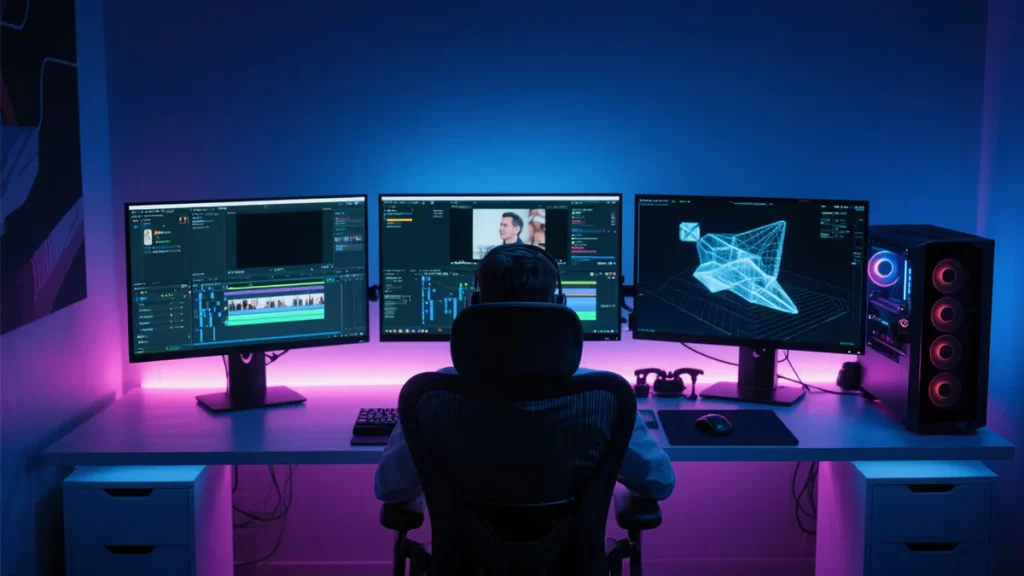
Creative professionals are increasingly mobile, but they still require workstation-class performance. 64G RAM Mini PCs are ideal for on-set video editing, color grading, and multi-track audio projects, which require large buffers, high-resolution timelines, and cached preview frames, thus requiring ample memory.
The role of memory in media workflows encompasses editing 4K/6K footage, applying real-time color LUTs, and managing multiple application layers and visual effects compositors, which can result in substantial working sets. Modern editing suites offload many tasks to GPUs, but RAM remains crucial for timeline scrubbing, cache hits, and fast scratch exports. For smaller production companies using Mini PCs for on-set editing, choose a 64G RAM Mini PC for minimal switching disruption. With an NVMe scratch drive and dedicated GPU, it delivers performance comparable to a traditional tower workstation.
For Machine Learning Inference and Moderate Edge Model Development
As machine learning moves to the edge, Mini PCs must manage larger models, in-memory input preprocessing, and concurrent inference streams. While serious model training remains server-class, inference and lightweight retraining require memory, especially for Transformer-like or ensemble models. The advantage of choosing a 64G RAM Mini PC is that large models can load weights into memory and utilize them for batched inputs. Running multiple model instances can exponentially increase memory requirements. A 64G RAM Mini PC supports multiple simultaneous inference pipelines while maintaining a feature vector cache in memory for fast retrieval.
When purchasing a 64GB Mini PC for edge machine learning, it is essential to verify whether there are sufficient PCIe lanes or M.2 slots for accelerators, sufficient cooling headroom for continuous inference, and adequate software support for containers or inference runtimes.
Industrial Automation, SCADA Gateways, and High-Frequency Telemetry Buffering
Industrial environments are increasingly pushing computing to the factory floor. Compact yet powerful industrial PCs capable of buffering telemetry data, running historical databases, and performing local analytics while also connecting to PLCs are ideal candidates for 64G RAM Mini PCs.
Historical and time-series databases benefit from more RAM for in-memory caching of high-frequency sensor streams. Local caching ensures data is not lost during network instability, while in-memory caching provides operators with fast query and visualization support. SCADA gateways, which host protocol converters, security agents, and HMI sessions, consume memory at every level. 64GB of memory allows you to run Windows- or Linux-based SCADA solutions and ancillary services without paging. For industrial deployments, when purchasing a 64G RAM Mini PC, look for ruggedization options, vertical I/O, and the ability to lock down the BIOS and manage remote configurations.
Large-Scale Multi-Display Graphics, Virtual Desktops, and Digital Signage
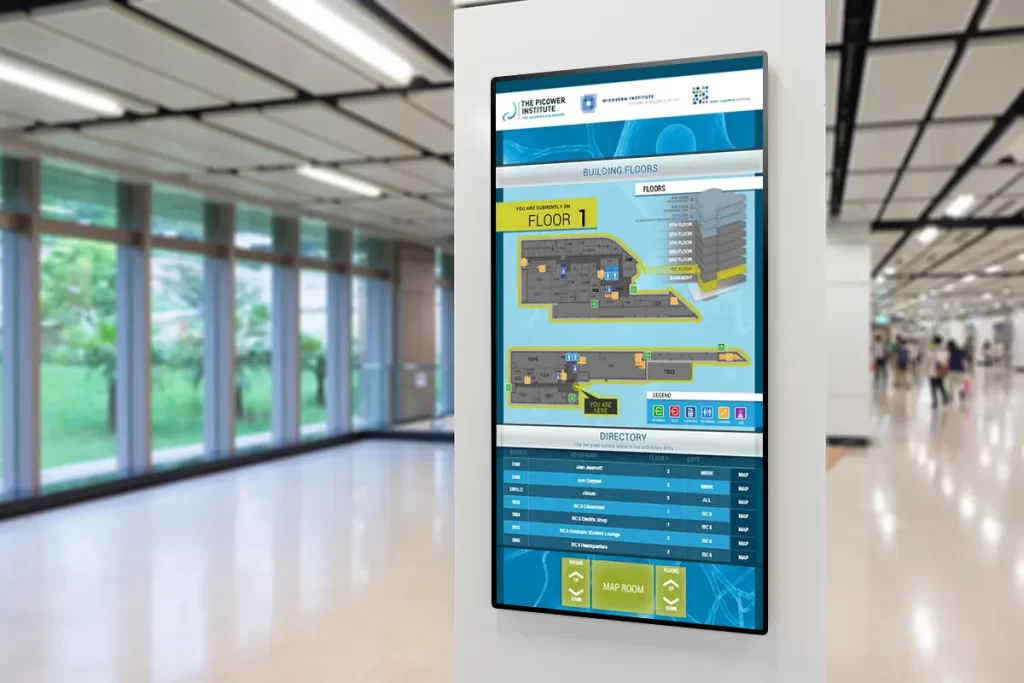
Commercial facilities often require a large number of monitors, numerous windows, and simultaneous video signals. A 64G RAM Mini PC provides ample space for running multiple high-resolution sessions, browser instances, and local caches for media-intensive signage.
Modern browsers and signing engines cache ample resources and multiple tabs in memory. A 64G RAM Mini PC can host multiple remote desktop sessions, application sandboxes, and a signage server for a bank branch with smooth performance. Choosing a mini PC with 64GB of RAM reduces the number of independent endpoints and simplifies management. If you plan to purchase a mini PC with 64GB of RAM for multi-display scenarios, ensure that the device supports an external GPU or a multi-output discrete GPU and confirm its certified compatibility with your signage/VDI stack.
Choose Based on Different Workflow Scenarios
A 64GB RAM mini PC is ideal for scenarios that require consolidation, low latency, and high memory performance to reduce total cost and complexity. Choose 64GB of memory if your workloads include virtualization, media production, edge machine learning inference, industrial database historians, multi-display control, or local CI/CD. In these scenarios, memory density improves responsiveness, reduces disk thrashing, and supports richer local services that would otherwise require multiple machines.