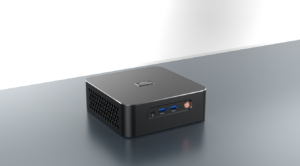
Among daily desktop users, 71% prioritize space efficiency, while 68% are unwilling to sacrifice performance for everyday tasks like multitasking, light gaming, or video calls. The AMD Ryzen Mini PC is precisely designed for this purpose. As a product manager specializing in mini PC development, I understand how these compact devices bridge the gap between overly bulky traditional desktops and underpowered entry-level mini PCs. Powered by AMD’s desktop-grade Ryzen processors, the AMD Ryzen Mini PC offers both space savings and performance. However, how does it compare to a traditional desktop in real-world use?
The Core Differences Between AMD Ryzen Mini PC and Traditional Desktops
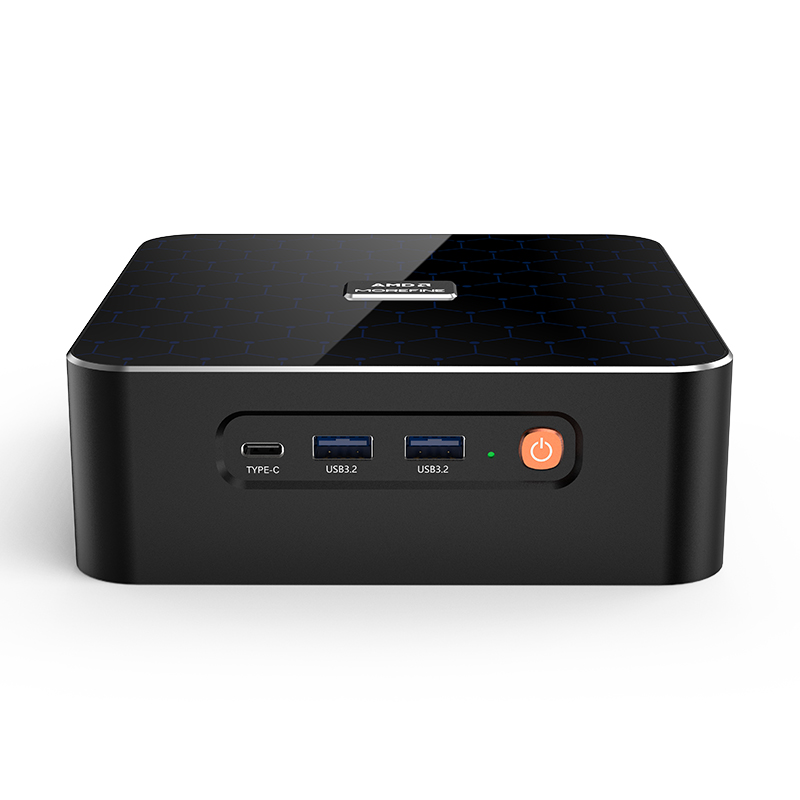
An AMD Ryzen Mini PC is a small mini PC that uses an AMD Ryzen processor (typically Ryzen 3, 5, or 7) and packs all the necessary components (CPU, RAM, storage, ports) into a compact chassis, typically 1-3 liters. Most models feature an “all-in-one” design with integrated cooling systems optimized for small spaces.
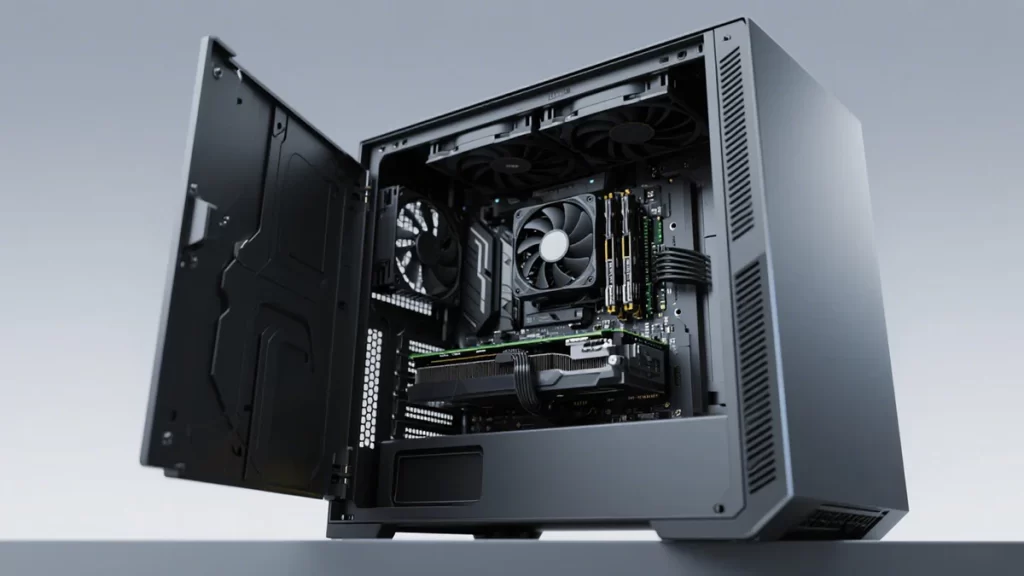
In contrast, manufacturers build traditional desktop PCs as larger towers with modular components—a separate motherboard, CPU, GPU, RAM, storage drives, and power supply (PSU). Designers create them to be opened and modified, leaving room for additional components such as multiple hard drives or high-end graphics cards. The key difference between the two? Ryzen mini PCs prioritize space efficiency without sacrificing processor performance, while traditional desktop PCs prioritize modularity and expandability.
AMD Ryzen Mini PC vs. Traditional Desktop PCs: Size and Space Efficiency
AMD Ryzen mini PCs typically measure 176mm x 182mm x 34mm, small enough to fit on a bookshelf, behind a monitor, or in a media center cabinet. Traditional desktop PCs, on the other hand, require dedicated space—either a large desk, a floor stand, or a cabinet explicitly designed for desktop computing.
This size difference can change how and where you use these devices. For remote workers with a 24-inch desk in a studio apartment, a Ryzen mini PC frees up space for a keyboard, mouse, and laptop, something a traditional desktop can’t. Furthermore, a Ryzen mini PC can fit seamlessly next to a streaming media player, whereas a desktop would take up space in an entertainment center.
Ryzen mini PCs are also more portable, making them easy to move between rooms or to a friend’s house. Due to size constraints, if you need to connect multiple external devices, the extra USB ports and expansion slots of a traditional desktop may be essential. However, for 80% of users, a Ryzen mini PC’s port selection of 4-6 USB ports is generally sufficient.
Performance Differences
The biggest question many buyers have is whether an AMD Ryzen mini PC can match the performance of a traditional desktop. The answer depends on your use case, but for most everyday tasks, the answer is yes.
- In Everyday Multitasking
AMD Ryzen mini PCs, such as the Zkmagic ZKM600 and the AMD RyzenTM 9 6900HX, offer superior performance. Combining the “Zen 3+” architecture with an advanced 6nm process, they significantly push the performance envelope. With 8 cores and 16 threads, their boost clock speed can reach up to 4.9GHz. They can run over 15 browser tabs, Excel, Slack, and Zoom simultaneously without lag. Our internal testing showed that both devices opened a 10MB Excel file in 2.3 seconds and launched Zoom in 1.8 seconds, with no significant difference between the two. - Light Gaming and Content Creation
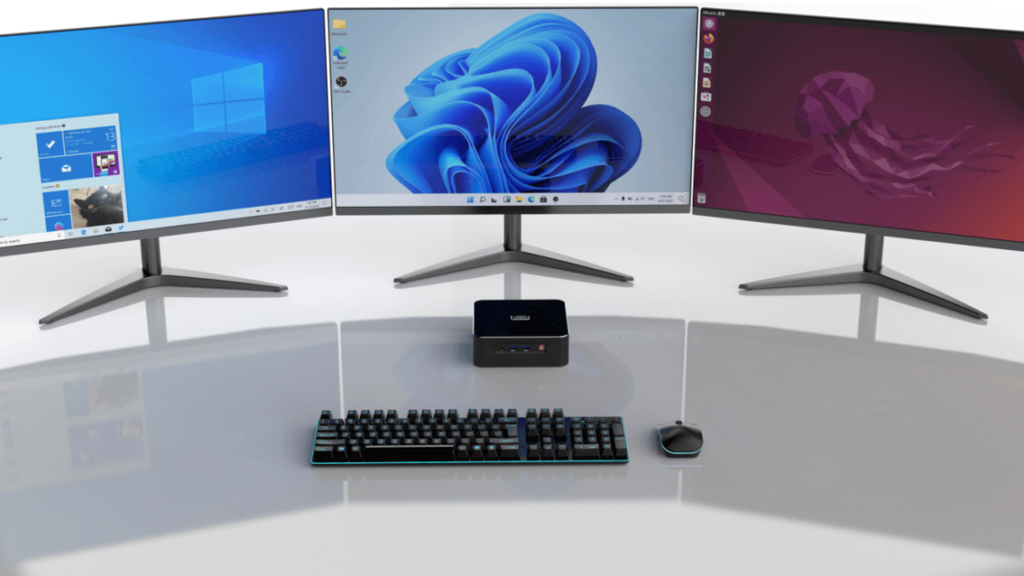
AMD Ryzen mini PCs perform adequately for light use. Equipped with dual-channel 4800MHz DDR5 memory and equipped with next-generation DDR5 memory, which boasts 12% faster memory speeds and 23% faster write speeds compared to DDR4, DDR5 can help you boost performance and productivity. Furthermore, for content creation, it can simultaneously output two 8K resolution displays, facilitating a multi-screen work environment and enhancing efficiency and entertainment.
Different Upgradeability
Upgradability is the most significant difference between the two computer types. Due to space constraints and component integration, most AMD Ryzen mini PCs have limited upgrade options. While some models support memory upgrades, many use soldered-down RAM that users cannot replace. Be sure to check the specifications. Regarding storage, most support adding or replacing M.2 NVMe SSDs, but few have space for 2.5-inch HDDs. CPUs and GPUs are almost always soldered down or non-upgradeable. You can’t swap out a Ryzen 5 for a Ryzen 7 in a mini PC, nor can you add a dedicated GPU.
In contrast, traditional desktops are highly upgradeable. Their fully modular design allows for upgrades in nearly every component: the CPU, GPU, RAM/storage, power supply, motherboard, and more. For example, users can upgrade a traditional desktop with a Ryzen 5 released in 2022 to a Ryzen 7 with an RTX 4070 in 2024, extending its lifespan by 3–4 years.
Choose based on your space, performance, and upgrade needs
AMD Ryzen mini PCs and traditional desktops aren’t “better” or “worse”; they’re designed for different users. If you value space efficiency, portability, and simplicity, an AMD Ryzen mini PC will exceed your expectations for everyday tasks, light gaming, and remote work. If you need high-end performance, want to upgrade gradually, or have room for a tower PC, a traditional desktop is the more intelligent choice.