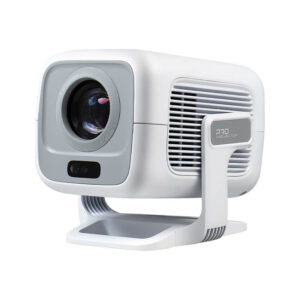
Many projector users have reported experiencing lag or stuttering issues, severely impacting their streaming or gaming experience. The delay between pressing the “play” button and the video starting to play can make them reluctant to use a projector again. However, choosing an Android 11 projector can significantly change this experience. Based on Google’s optimized operating system, it reduces input lag, improves frame rates, and provides seamless access to Netflix, YouTube, Disney+, and the full Google Play app store. Android 11 transforms projectors from bulky devices into high-performance entertainment hubs, reducing lag and boosting frame rates.
Advantages of Android 11 in Projectors
Unlike older versions of Android (9 or 10) or proprietary operating systems, Android 11 is designed for modern streaming and interaction, laying the foundation for improved performance. Specifically, Android 11 utilizes “Adaptive Performance” to dynamically allocate CPU/GPU resources, prioritizing video decoding or input response based on the activity being performed. It also includes the latest graphics drivers, ensuring smoother communication between projector hardware and applications—key to reducing latency. Furthermore, Google’s strict standards for application compatibility mean that apps like Netflix, YouTube, and games are optimized for Android 11, reducing crashes and performance losses that cause lag.
Many Android 11 users have reported: “My previous projector ran Android 9—Netflix was often choppy, and games felt slow. But with the Android 11 projector, it runs smoothly, and I no longer have to struggle with the device to enjoy content.”
Android 11 Projector Reduce Input Latency
Input latency is a significant issue for projector users. For streaming media, a 100ms latency makes pausing or fast-forwarding feel choppy; for games, it’s a fatal flaw. Android 11 projectors reduce latency to 20-30ms through three key upgrades.
Android 11 introduces a dedicated “Game Mode,” which disables unnecessary background processes, resulting in a 40-50% reduction in latency. When enabled, it prioritizes input signals from controllers or remotes. Additionally, the operating system optimizes how the projector decodes and displays input signals, regardless of whether the input signal originates from HDMI or Wi-Fi. This reduces latency between the device and the projector. Meanwhile, Android 11 projectors support Bluetooth 5.2, which reduces wireless controller latency by 30% compared to older versions of Bluetooth.
Android 11 projector can improve frame rates for smooth streaming and sports events
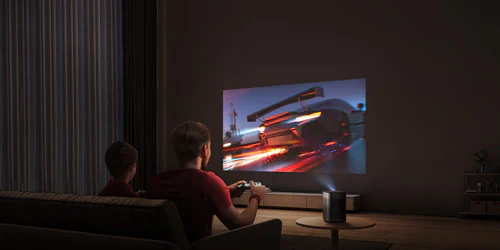
Frame rate determines the smoothness of the video. Most streaming content (such as Netflix and YouTube) uses a frame rate of 30-60fps, but older projectors often experience frame drops, causing stuttering. Android 11 projectors support a stable 60fps, effectively solving this problem. Furthermore, Android 11 includes hardware-accelerated decoding for H.265 (HEVC) and VP9 (the format used by most streaming services). This allows the projector to play 60fps video smoothly without frame drops. The operating system also synchronizes the Android 11 projector’s refresh rate with the content’s frame rate, eliminating jitter. Android 11’s updated GPU drivers ensure that the projector’s graphics processor can handle high frame rates without overheating or slowing down, even during extended streaming sessions.

Enjoy the whole app ecosystem
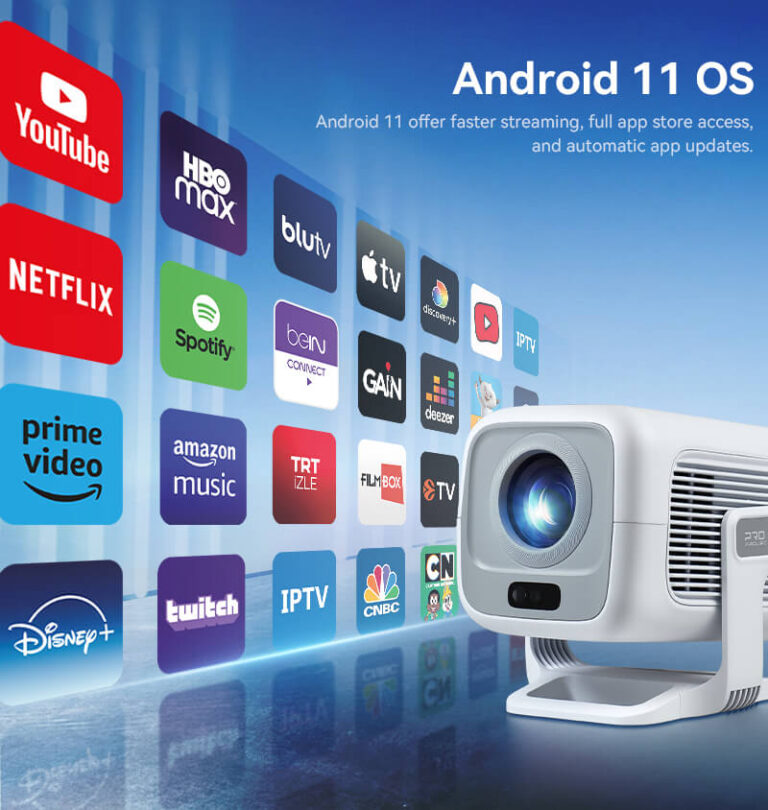
What’s the point of low latency and high frame rates if you can’t access your favorite content? Android 11 projectors unlock the full Google Play Store, giving you seamless access to Netflix, YouTube, Disney+, Prime Video, and thousands of other apps. Unlike projectors with different operating systems, Google-certified Android 11 projectors ensure you receive the latest versions and optimized streaming codecs. Android 11 also updates apps in the background, so you won’t miss performance fixes or new features. And access mobile games from the Play Store—all optimized for high frame rates and low latency on Android 11.
Some users who have used it say, “We watch Netflix, YouTube Kids, and play Just Dance on our Android 11 projector. All apps are in one place and update automatically, so we no longer have to worry about ‘app incompatibility’ issues.”
More than just smoothness
Lower input latency and higher frame rates are not just about convenience; they revolutionize how you use a projector. For families, this means fewer arguments over slow remotes on movie nights. For gamers, it makes the gaming experience fairer, allowing you to have the same smooth gameplay as console or PC players. Additionally, for streaming users, it makes 4K HDR content look as stunning as on a high-end TV.
Android 11 is more than just an operating system update; it’s a comprehensive performance boost. By prioritizing reduced latency, improved frame rate stability, and enhanced app compatibility, Android 11 projectors bridge the gap between projectors and smart TVs, delivering an immersive viewing experience without sacrificing performance.
Enjoy low latency and high frame rates
Android 11 Projectors are more than just “big screens”; they’re high-performance smart hubs that play videos smoothly, respond instantly, and adjust to your needs. With lower input lag, a stable 60fps frame rate, and access to all your favorite apps, they address several of the most significant pain points of older projectors.