
Description
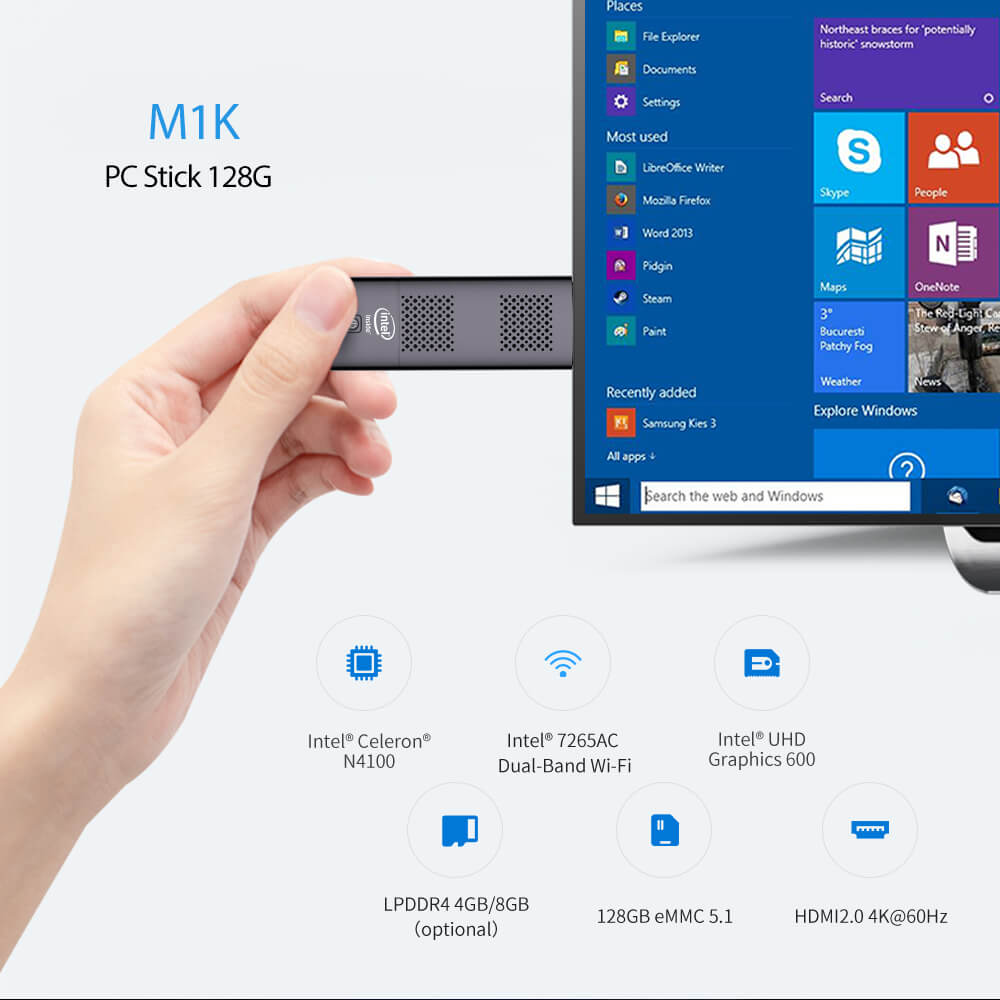
M1K 128GB PC Stick-Processor, Wi-Fi, Graphics, Memory
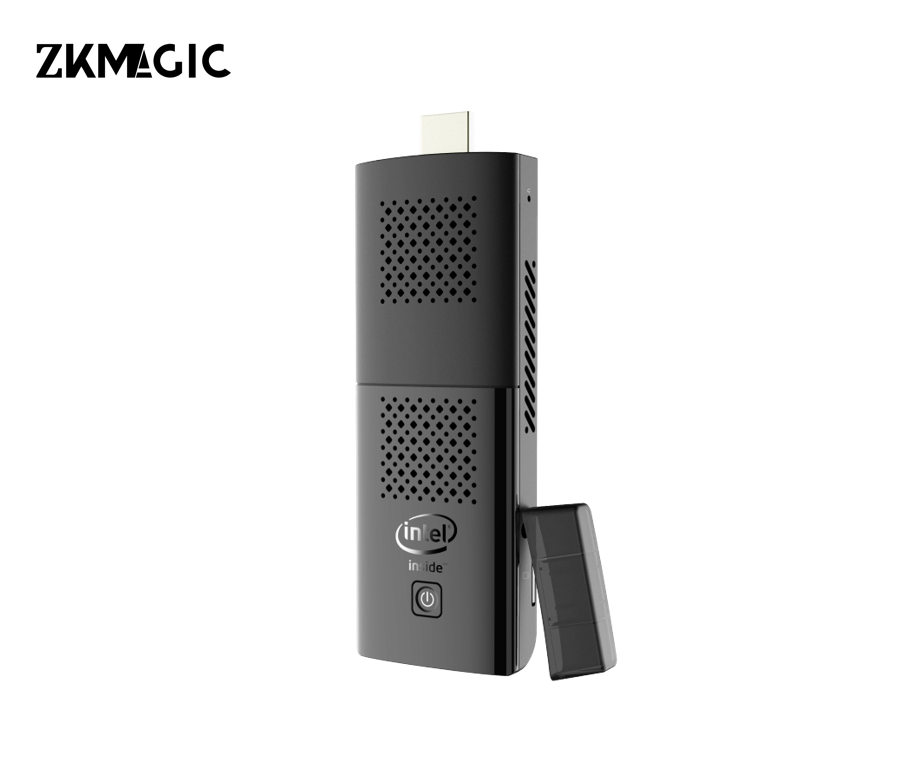
The M1K 128GB PC Stick plugs into an HDMI monitor to create a compact PC. It features an Intel Celeron N4100 processor, Intel 7265AC dual-band Wi-Fi, Intel UHD Graphics 600, optional 4GB/8GB LPDDR4 RAM, 128GB eMMC 5.1 storage, and supports HDMI 2.0 4K@60Hz output.
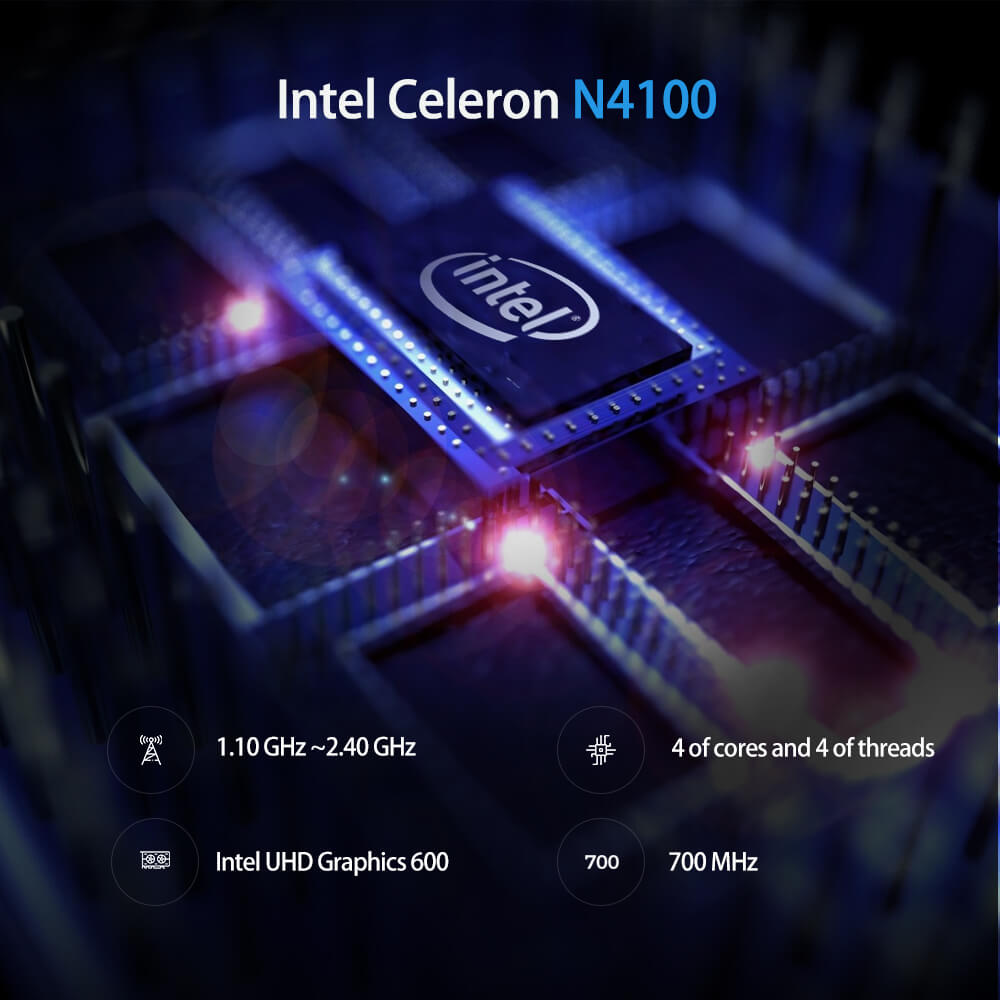
Intel Celeron N4100 Processor-Powerful Power
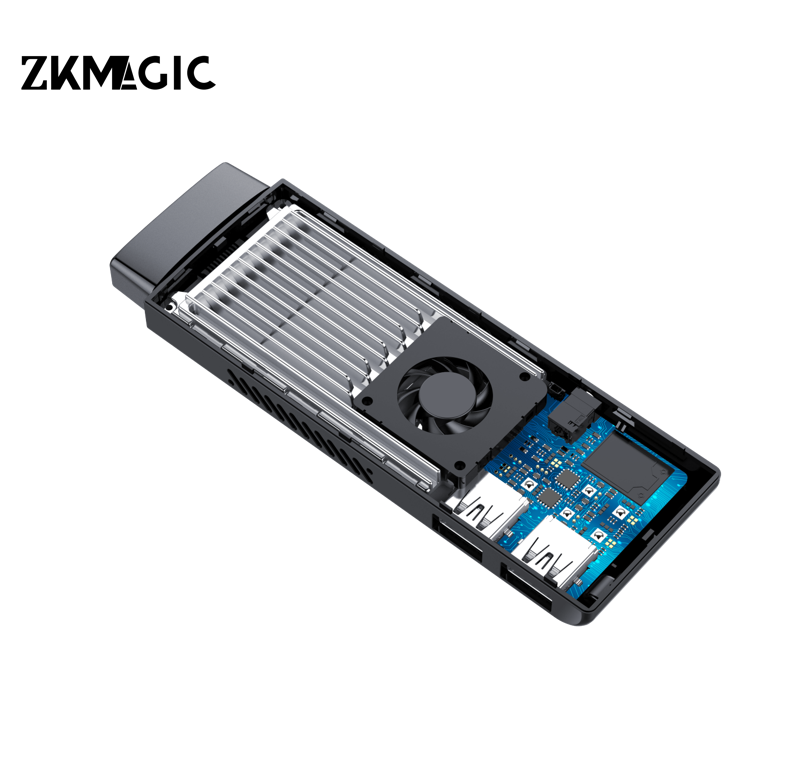
Powered by the Intel Celeron N4100 processor, this PC stick offers 4 cores and 4 threads, a 1.10 GHz base frequency (Turbo Boost up to 2.40 GHz), and Intel UHD Graphics 600 (700 MHz), delivering responsive performance for everyday tasks and media playback.
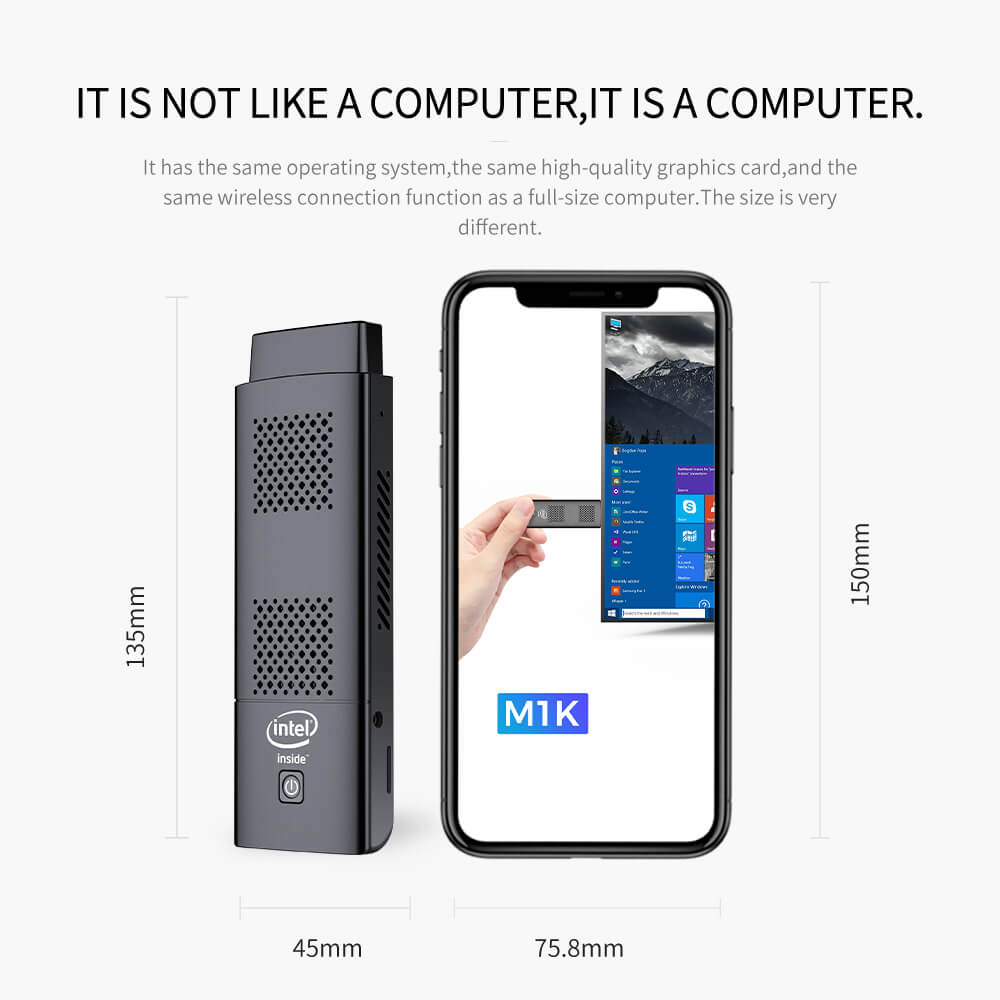
Ultra-Compact PC Stick-Size Comparison to Smartphones
The M1K PC Stick proves the point: “It doesn’t look like a computer, it’s a computer.” Its compact form factor offers the operating system, graphics processing power, and wireless capabilities of a full-size PC, yet measures just 135mm x 45mm for unparalleled portability.
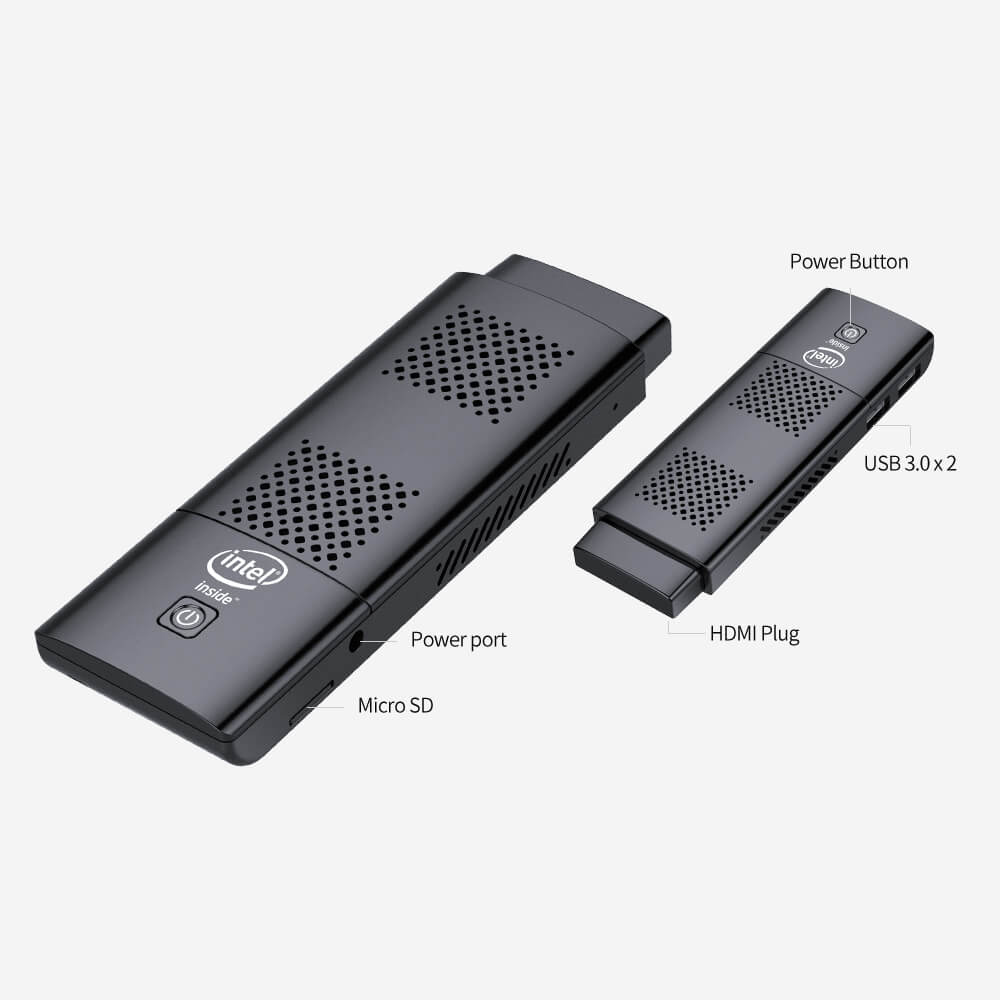
PC Stick Ports and Design – HDMI, USB, Micro SD Card, Power
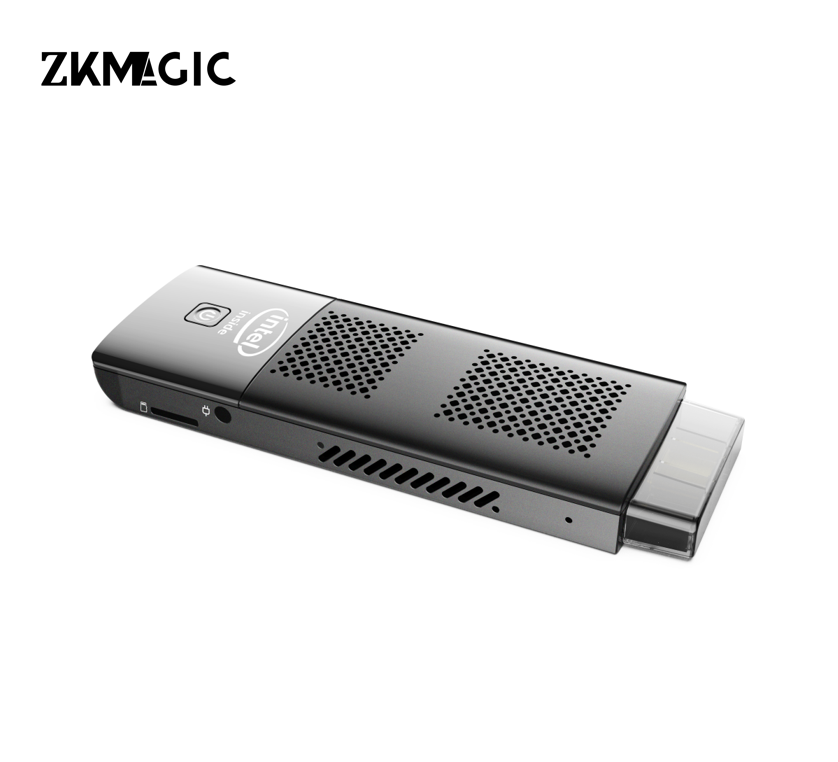
This PC Stick features a streamlined design and includes key ports: HDMI, dual USB 3.0 ports, a Micro SD card slot, and power, all integrated into a compact, well-ventilated chassis.
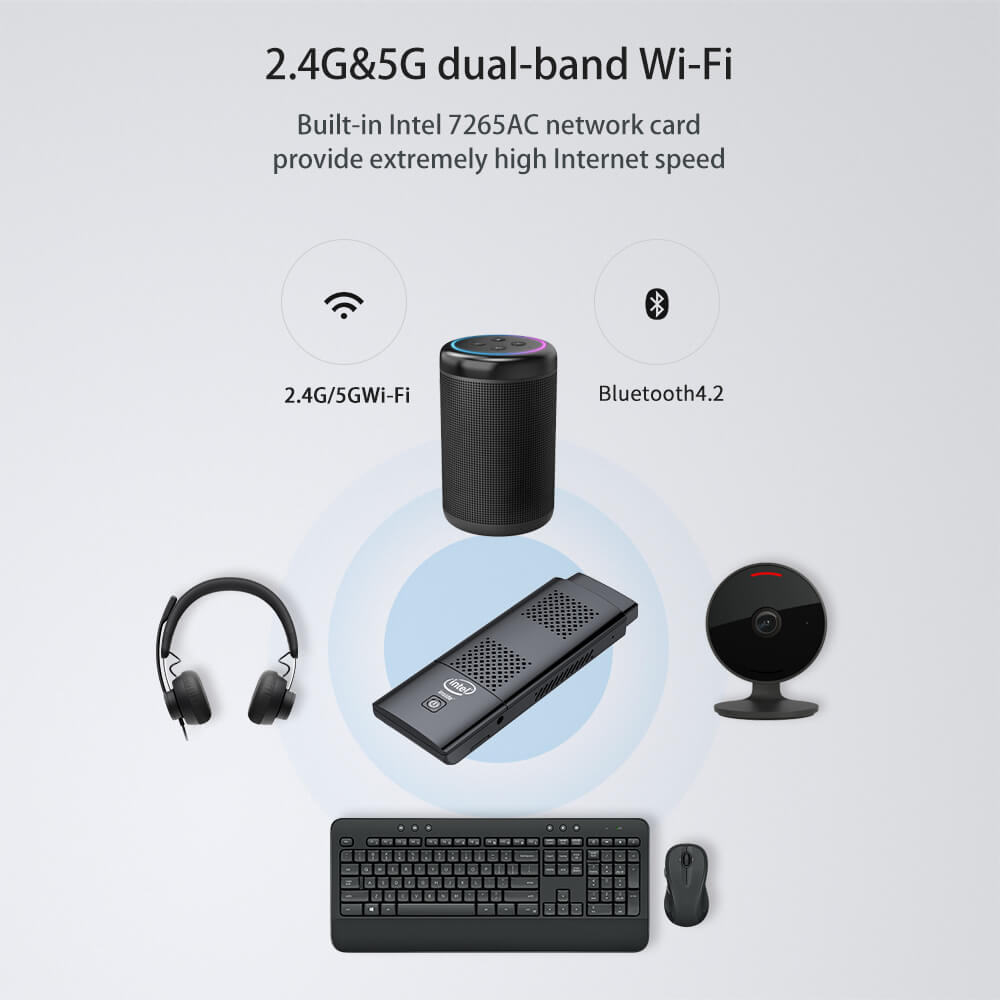
2.4G/5G Wi-Fi and Bluetooth 4.2
The M1K 128G PC Stick is equipped with Intel 7265AC dual-band Wi-Fi (2.4G/5G) and uses Bluetooth 4.2 to pair with wireless devices such as keyboards, mice, and headsets for a fast and stable network experience.
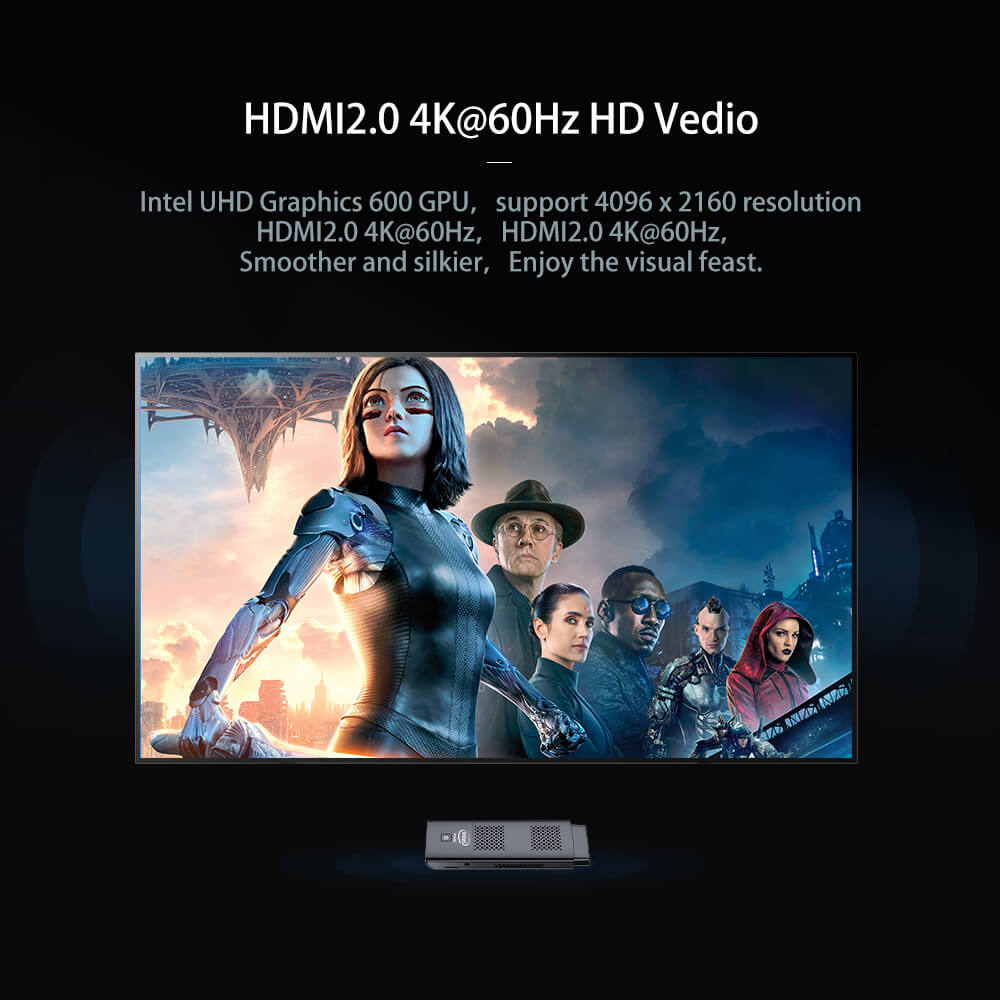
M1K 128G PC Stick 4K@60Hz HDMI 2.0 – Ultra-HD Visuals
Supporting HDMI 2.0 4K@60Hz output via Intel UHD Graphics 600, it delivers stunning 4096×2160 resolution to any HDMI screen, allowing you to immerse yourself in media, gaming, and productivity.
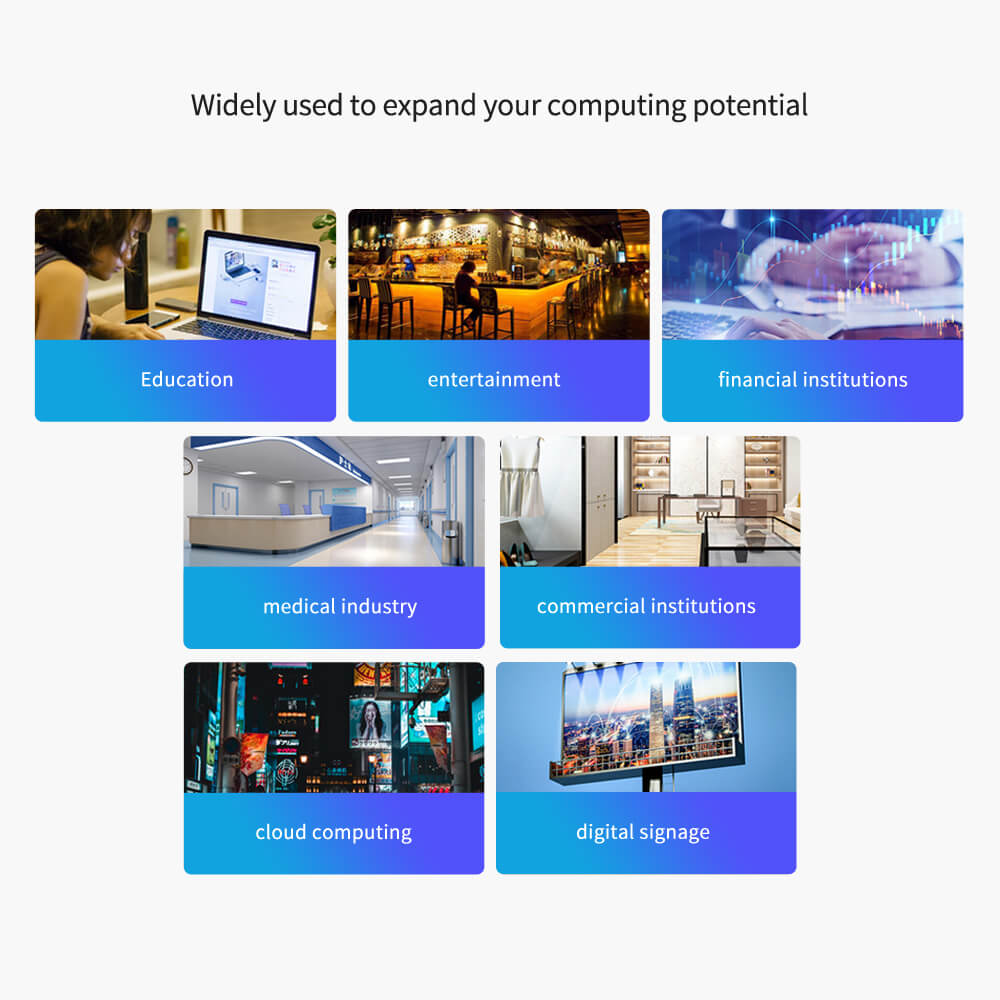
M1K 128G PC Stick Applications – Education, Entertainment, Business, and More
The M1K PC Stick extends computing power to various industries: education (classroom), entertainment (home media), financial institutions, healthcare, commercial organizations, cloud computing, and digital signage.
Setup Guide and Accessories
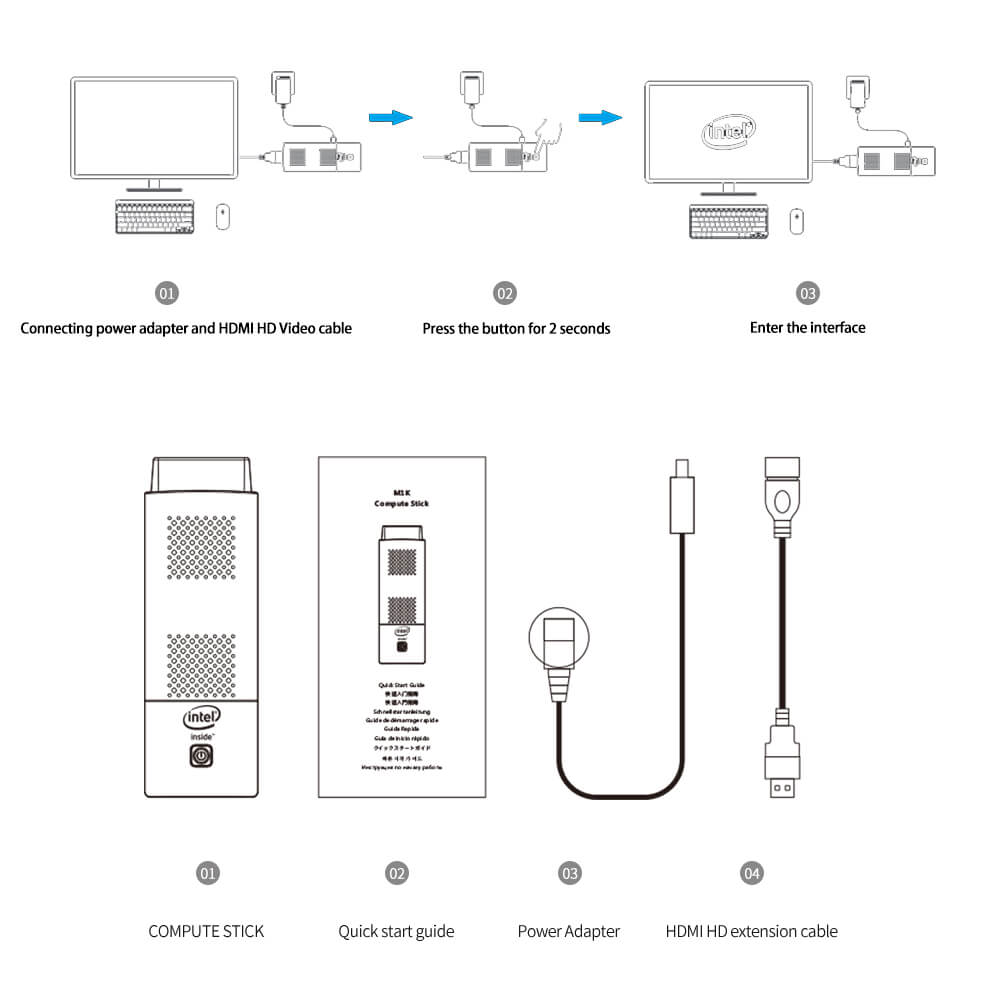
Setup is simple: (1) Connect the power adapter and HDMI cable; (2) Press and hold the power button for 2 seconds; (3) Access the interface. Includes: Compute Stick, Quick Start Guide, power adapter, and HDMI extension cable.