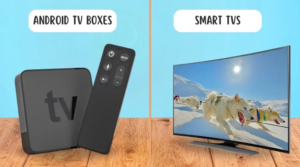
In the age of smart TVs, many families want to make their TVs “smart.” However, choosing between a multimedia TV box and a new smart TV can be challenging. They worry about wasting money on an unnecessary smart TV or ending up with an outdated TV box. Therefore, they often choose between multimedia TV boxes and smart TVs. As a TV box manufacturer, we’ve compared multimedia TV boxes and smart TVs based on cost, performance, compatibility, and usage scenarios to help you make a confident choice.
Multimedia TV Box: Why They’re a Flexible TV Upgrade Solution
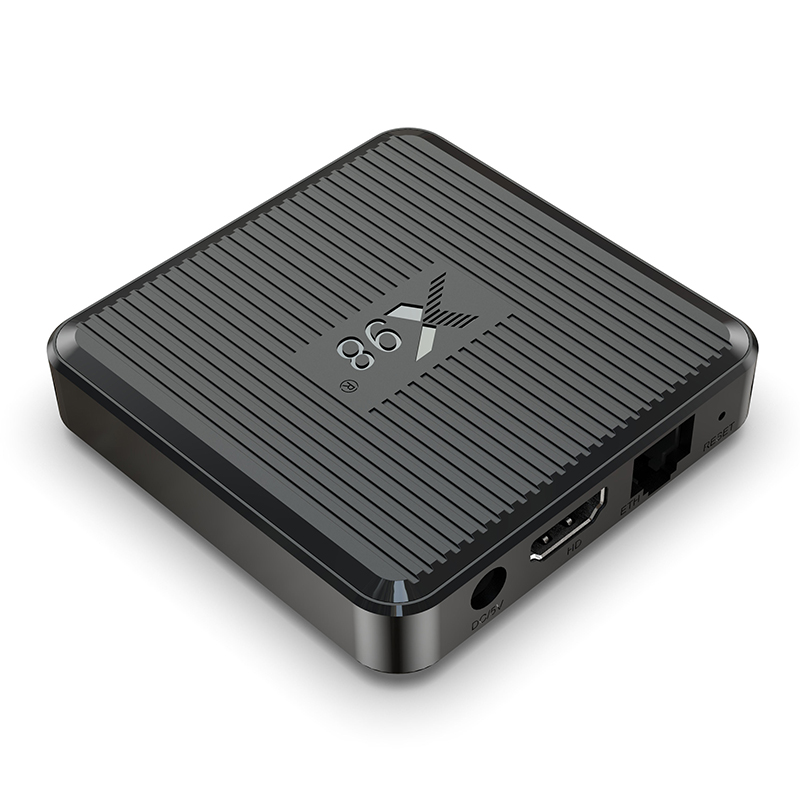
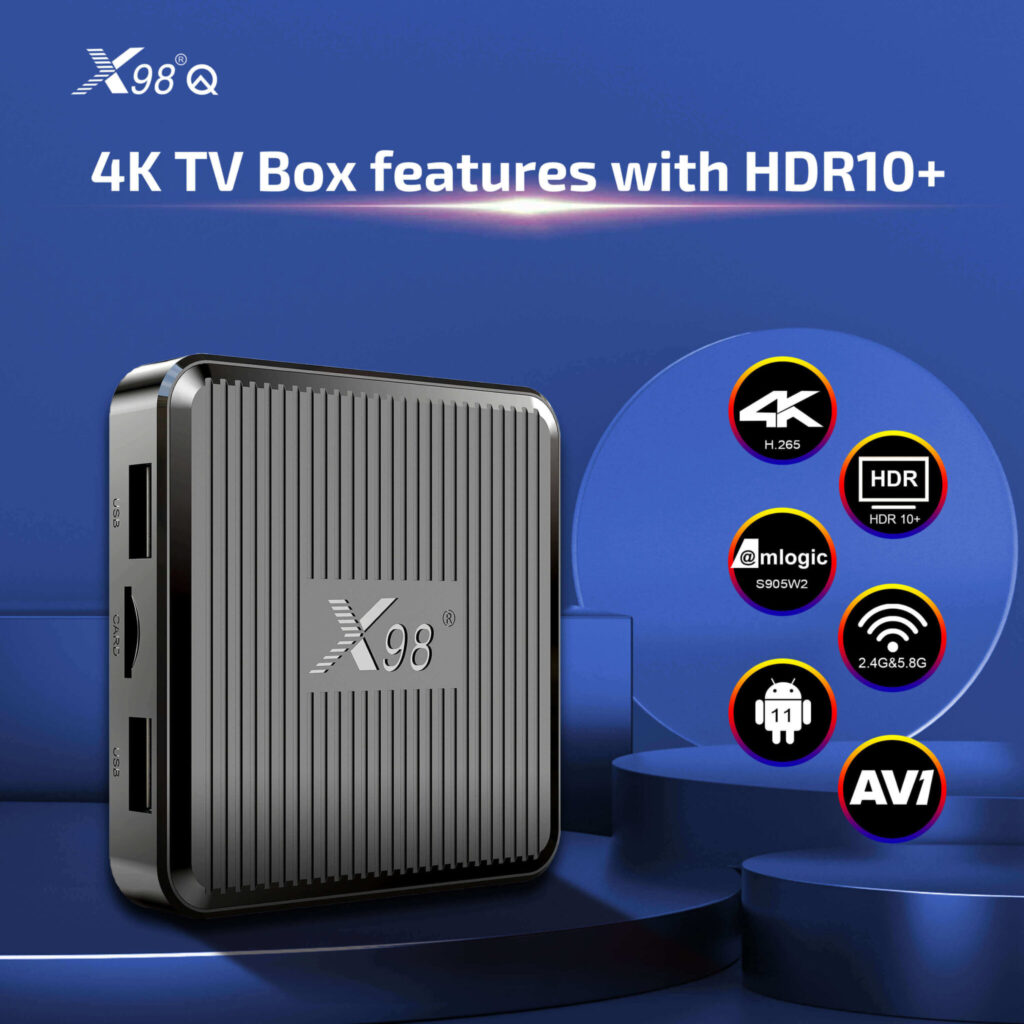
Multimedia TV boxes, often called mini TV boxes due to their compact size, connect to your TV via HDMI, transforming even a non-smart TV into a fully functional smart system. Key features of a high-quality multimedia TV box include: It runs streaming apps like Netflix, Disney+, and YouTube through a smart operating system, similar to smart TV functionality. Some mid-range and high-end models also support 4K/HDR, enabling smooth playback of 4K content and compatibility with most entry-level smart TVs.
Many also include USB ports for external hard drives to play local movies and Ethernet ports for stable streaming. Their biggest advantage lies in their flexibility. Multimedia TV boxes are generally compatible with any TV with an HDMI port, ranging from 10-year-old 1080p models to the latest 4K OLED TVs.
Multimedia TV Box vs. Smart TV: Which is a Better Buy?
Price is the primary consideration for most consumers, especially if your existing TV still works. Multimedia TV boxes offer several advantages:
Upfront Cost: A high-quality multimedia TV box can cost between tens and hundreds of dollars. For example, a 4K mini TV box with 2GB of RAM and 16GB of storage costs around $100. Entry-level 55-inch smart TVs start at $399, while mid-range models can cost over $500. Prices jump even higher for larger screens.
Long-Term Cost: Smart TVs become outdated within 3-5 years, and manufacturers often stop updating their operating systems, making new apps inoperable. Replacing a smart TV can cost hundreds of dollars. However, multimedia TV boxes can be upgraded or replaced for just tens to hundreds of dollars, saving 70% compared to buying a new smart TV.
Performance – Speed, Apps, and Upgrade Potential
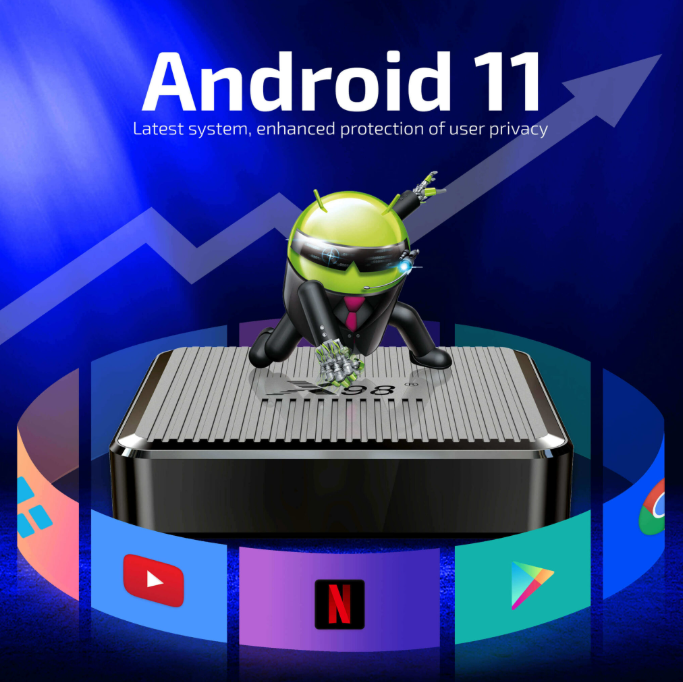
Performance is crucial, as no one wants to wait 10 seconds for Netflix to load. Regarding processing speed, entry-level smart TVs use inexpensive chips, which can lag when running multiple apps. Mid-range multimedia TV boxes use faster chips (such as the Amlogic S905X5), allowing for smooth 4K streaming and background apps. Regarding app support, smart TV manufacturers often restrict app stores, with many models unable to install third-party apps. Multimedia TV boxes run native Android so that you can download any app from the Google Play Store.
One tech reviewer tested the two TVs: “My 2020 smart TV takes 8 seconds to open Netflix and crashes when I cast from my phone. My mini TV box opens Netflix in 2 seconds and casts smoothly. It’s much faster than TVs three times the price.”
Compatibility – Compatibility with Your Existing Devices
Compatibility is also a key consideration for many users, especially if they have older devices or special needs:
TV Compatibility: Multimedia TV boxes are compatible with any TV with an HDMI port, even CRT TVs (with an HDMI adapter). Smart TVs are standalone devices only; you can’t “add” a smart TV to an existing TV.
Accessory Compatibility: Multimedia mini TV boxes can connect to external hard drives (for playing downloaded 4K movies), game controllers for Android games, and soundbars, just like high-end smart TVs. However, entry-level smart TVs often lack USB 3.0 ports (for fast hard drive access).
Internet Options: Most multimedia boxes include an Ethernet port, allowing for stable streaming in areas with weak Wi-Fi signals. Many budget smart TVs don’t offer Ethernet ports, forcing you to rely on spotty Wi-Fi.
Which is right for your lifestyle?
The “right” choice depends on your circumstances and how you use your TV. Here’s the most common scenario: You have a functioning TV (1080p or 4K) but want some smart features: Choose a multimedia box. Adding streaming capabilities only costs a few dozen or a few hundred dollars. If you rent or move frequently, a multimedia box is also a good option. It’s portable—you can take it to a new apartment, vacation home, or a friend’s house. Smart TVs are bulky and difficult to move.
On the other hand, if you want a large screen (65 inches or more) or need a new TV, a smart TV is a good option. If your current TV is broken or too small, a smart TV is a good choice; choose one with a faster chip to avoid future lags. A multimedia box is also a good option for situations where you want to stream local media. Therefore, most smart TVs limit local media playback, but boxes support external hard drives and apps like VLC.
Choose Based on Your TV and Your Lifestyle
Choosing between a multimedia box and a smart TV hinges on two questions: Does your existing TV still work? Do you need portability or a screen replacement?
If you have a functioning TV, rent or move frequently, use local media, or are looking to save money, consider a multimedia box for its flexibility, affordability, and easy upgradeability. Choose a smart TV if your existing TV is broken, you want a larger screen, or you prefer seamless integration. Then, invest in a mid-range model with a fast chip to avoid lag.